Technical teams often ask the same question: can we orchestrate the full video remake chain using n8n YouTube automation? Yes, if you treat each stage as a clear node contract.
n8n Workflow Design Principles
Use event-driven orchestration:
- one node per functional stage
- explicit JSON payload contracts
- deterministic retries and failure handling
- run-level observability
This avoids hidden logic and brittle automations.

Recommended Node Chain
- input node (source URL / upload)
- transcript + structure extraction node
- script rewrite node
- storyboard generation node
- clip generation node
- assembly/export node
- publish callback node
Keep each node idempotent to support safe retries.
Script Rewrite and Storyboard Nodes
For quality control:
- pass rewrite style profile as parameters
- validate scene count and segment duration
- generate storyboard images with stable prompts
- return scene-level assets for later assembly
This is the heart of n8n workflow for YouTube automation.

Assembly Node and Final Export
Assembly node responsibilities:
- merge scene clips and voice tracks
- apply subtitle and timing templates
- push output metadata to downstream systems
Then export final assets for publishing.
By keeping assembly automated, turnaround time drops significantly.
Observability and Failure Recovery
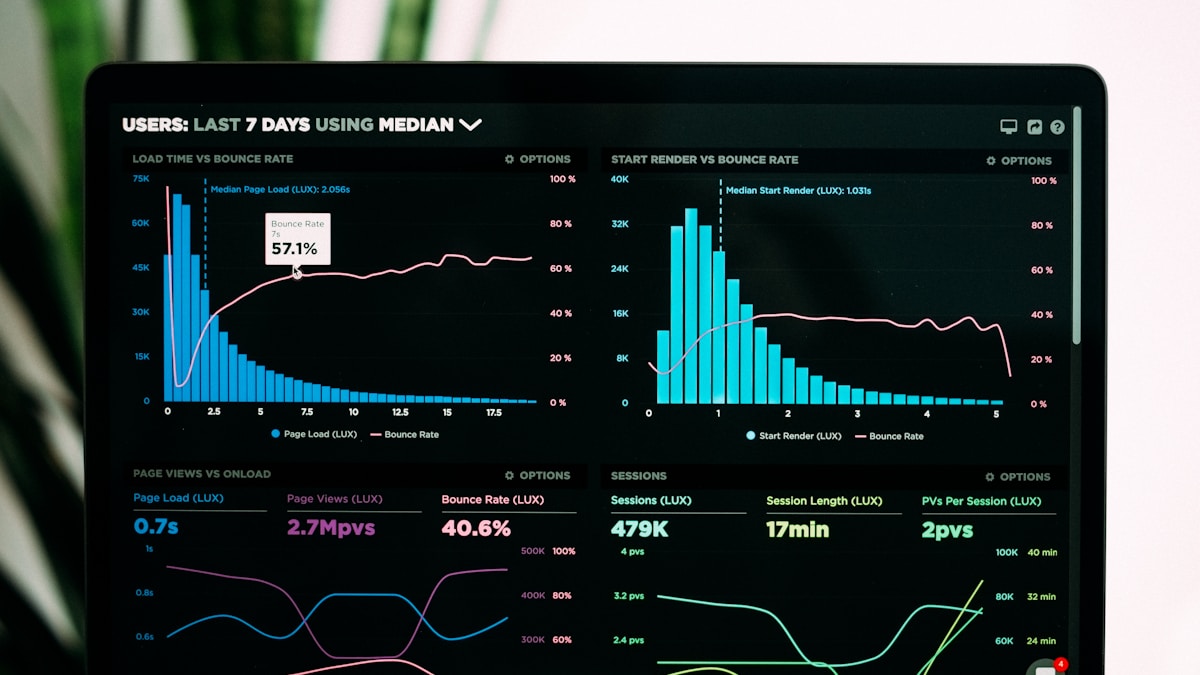
Track per-run metrics:
- total run duration
- stage-level error rate
- retry count by node
- output quality pass/fail ratio
Technical SEO value comes from stable weekly output, not just one successful run.
FAQ
Is n8n YouTube automation better than manual orchestration?
For recurring production, yes. It reduces repeated manual tasks and standardizes execution.
Should I use GitHub for workflow versioning?
Yes. Storing node definitions and prompt templates in version control helps reliability and team collaboration.
Can beginners use this technical workflow?
Beginners can start with a simple 3-node version, then expand as production needs grow.